
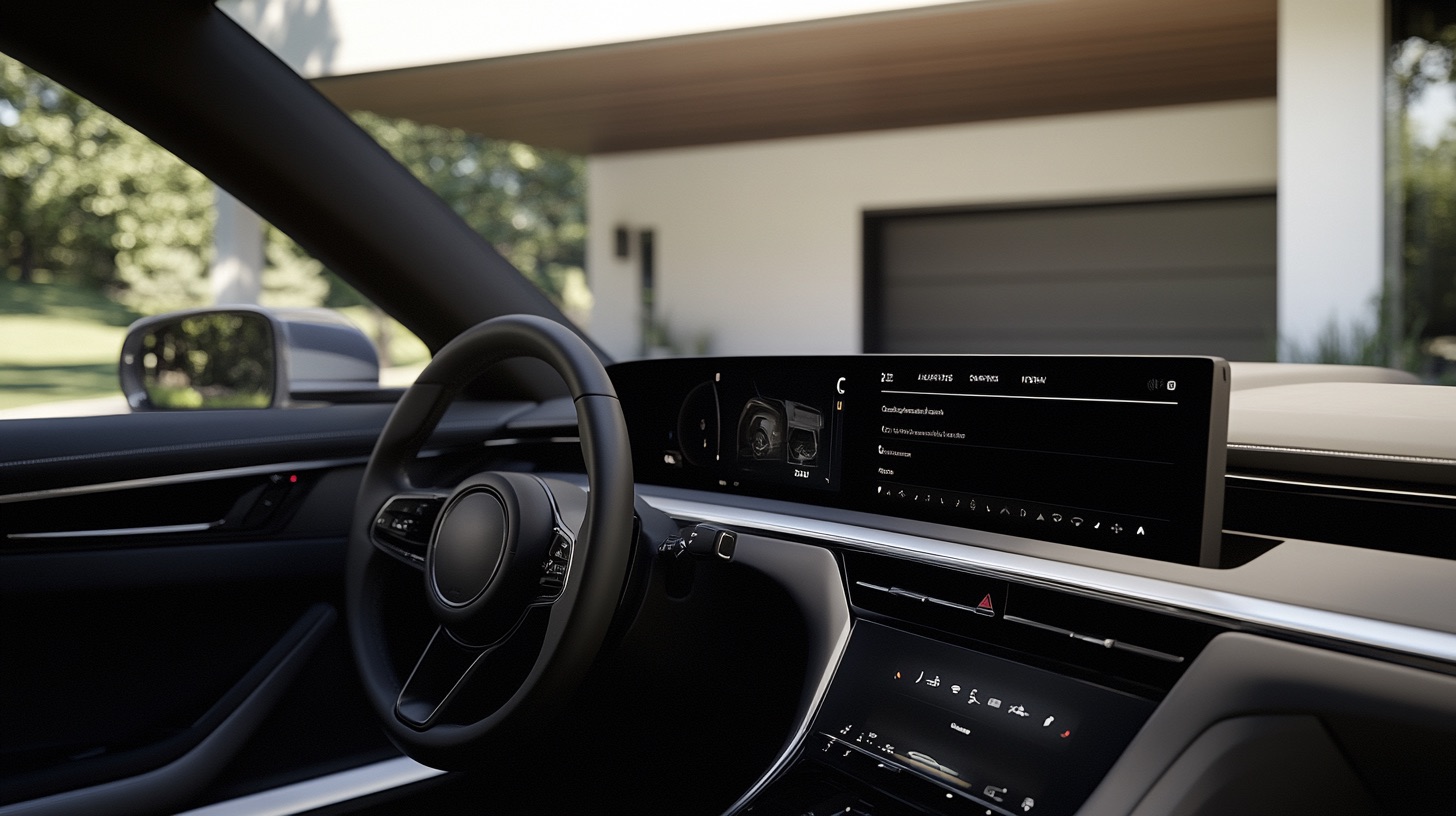
Most cars pair with a garage door opener through a built-in HomeLink system. Hold your remote near the HomeLink buttons, train it to pick up the signal, then, for most modern rolling-code openers, finish by pressing the Learn button on the opener itself. The exact button layout varies by vehicle; check your owner's manual if yours does not match.
How to sync a HomeLink system to your garage door opener
Park outside the garage with the engine off and keep the door in view and clear. Start with your vehicle manual: button behavior differs by model year, and some opener/vehicle combinations need a compatibility bridge.
- Choose the HomeLink button to train using the vehicle manual. Do not clear all buttons merely to add another door; clearing memory removes other stored devices. If complete erasure is needed, use the vehicle-specific procedure.
- Hold your garage door remote about 1 to 3 inches from the HomeLink buttons.
- Press and hold the HomeLink button you want to use and the button on your garage remote at the same time. Keep holding until the HomeLink light blinks rapidly, which can take up to two minutes.
- Most openers made in the last couple of decades use rolling code, which changes the signal every time it is used. If yours does, go to the opener's motor unit and press and release its Learn button. Within the opener's programming window, return to the car and follow its rolling-code sequence. A common sequence is to hold the trained HomeLink button for two seconds, release, then repeat up to two more times. One quick press is often not enough.
- Test it from your driveway.
Button layout varies by vehicle, some HomeLink panels have two buttons, some have three, so check your owner's manual if a step does not match what you see.
If your opener does not have rolling code
Older, non-rolling-code openers skip the last training step; the HomeLink button works as soon as it blinks rapidly in step 3. Your opener's manual will say whether it is rolling code or not.
Other in-car systems
Some vehicles use a different built-in system, such as Car2U, instead of HomeLink. Use that system's own instructions; it may not learn from a handheld remote in the same way.
Troubleshooting
- Nothing happens when you hold the buttons together: check the remote's battery first.
- The HomeLink light blinks but the door will not respond from the car: you likely need the rolling-code Learn-button step above.
- It worked, then stopped: garage door remotes and HomeLink can both lose their programming after certain resets; repeat the steps.
- Still nothing after a careful retry: check vehicle/opener compatibility and any required bridge before assuming the receiver failed. Opener repair can tell you which.
Syncing questions
Is it safe to sync my garage door opener to my car?
Yes. It only makes the two devices communicate on the same signal; it does not weaken your garage door's security on its own.
Can I sync more than one garage door to my car?
Most HomeLink systems have multiple buttons, so yes, you can train each one to a different opener.
Will syncing void my car's or opener's warranty?
Using a feature the manufacturer built in for this purpose is not typically a warranty issue, but check your specific warranty terms if you are unsure.
How long does syncing take?
A few minutes for most vehicles. The rolling-code step can take longer if you are not sure where the Learn button is on your opener.
If your remote and car will not sync no matter what you try, the opener's receiver may be the problem. 1A Garage Doors troubleshoots and repairs openers across Sacramento. Call (916) 838-8182.

Share:


